


ChatGPT Voice Mode sounds simple: you talk, it responds.
In practice, it’s one of the most misunderstood features in ChatGPT.
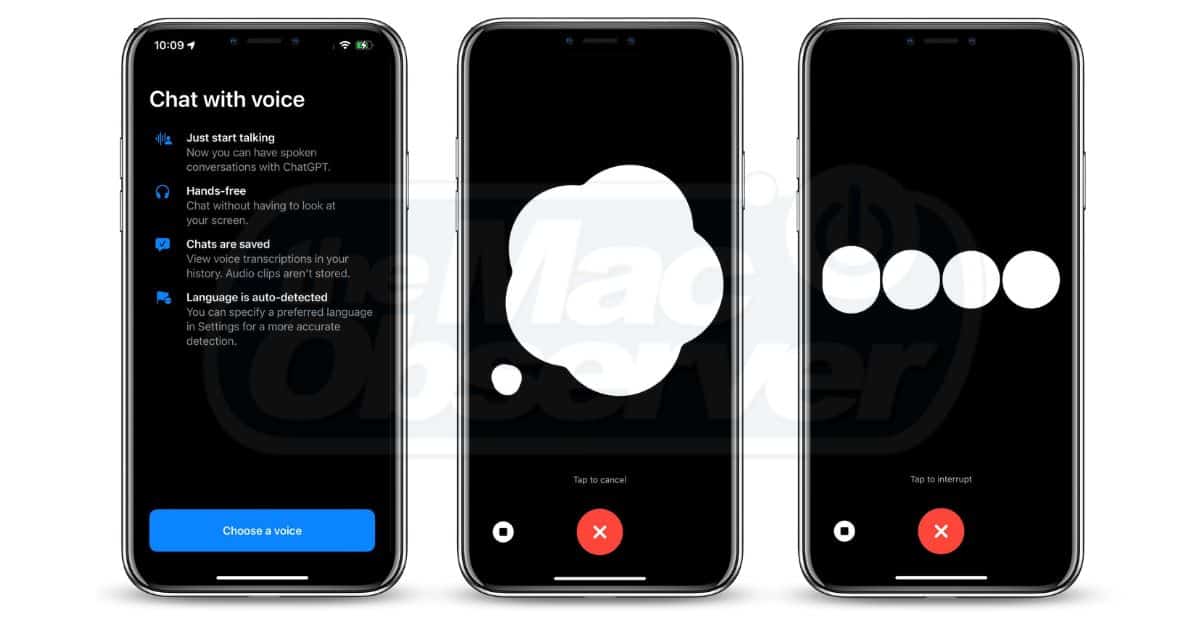
Used well, Voice Mode can dramatically improve how you think, plan, and explore ideas. Used poorly, it feels slow, awkward, or pointless. The difference isn’t the technology—it’s how and when you use it.
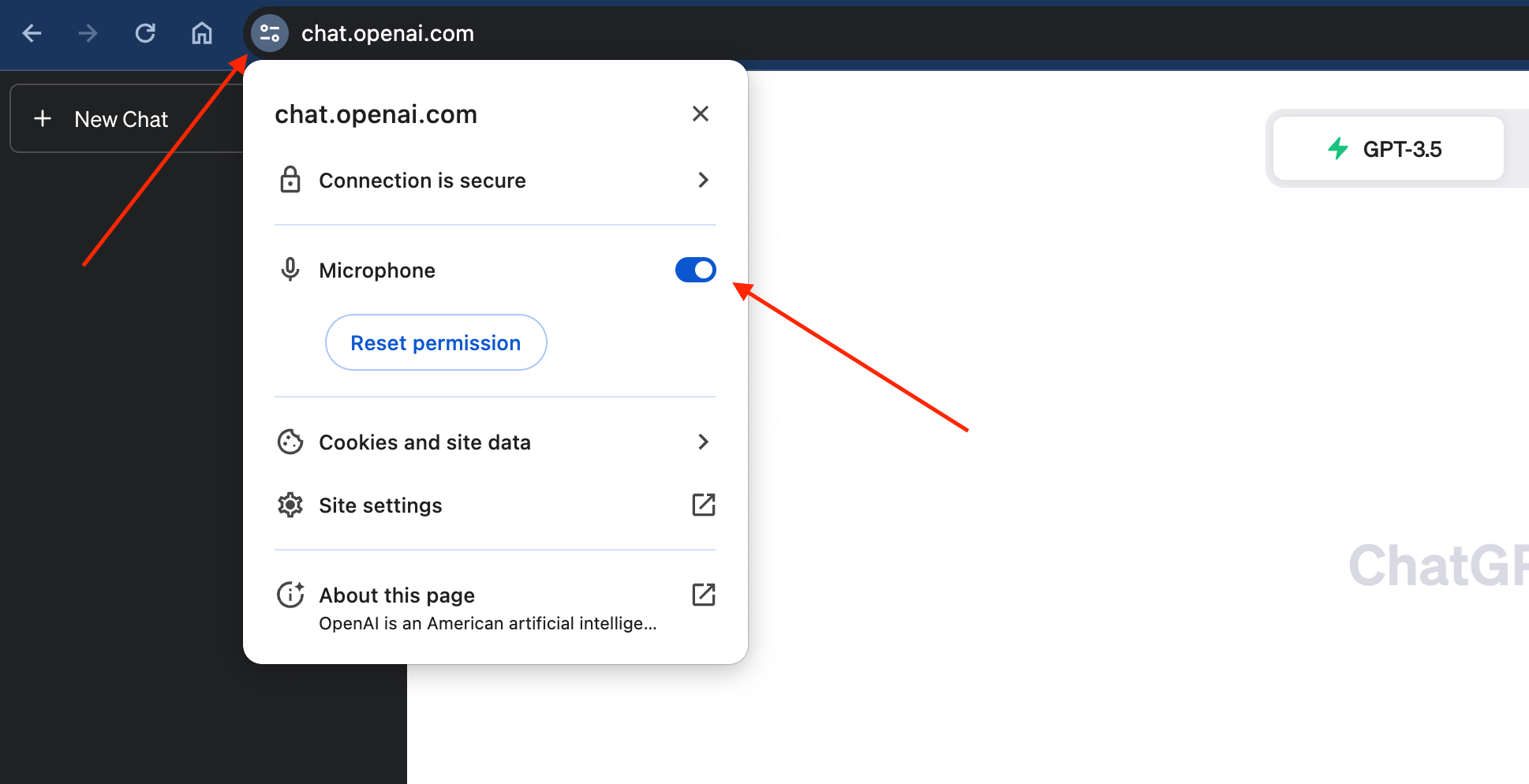
This guide explains what ChatGPT Voice Mode actually does in 2026, where it genuinely helps, where it doesn’t, and how to use it effectively without frustration.

What Is ChatGPT Voice Mode?
ChatGPT Voice Mode lets you have spoken, real-time conversations with ChatGPT instead of typing prompts.
You can:
- Speak naturally
- Interrupt mid-response
- Ask follow-up questions instantly
- Let ideas evolve conversationally
Unlike voice dictation, this isn’t just speech-to-text. It’s interactive dialogue, closer to talking through a problem with a thinking partner.
Why ChatGPT Voice Mode Exists
Typing is precise, but it’s not how humans think best.
Voice Mode exists to support:
- Exploratory thinking
- Idea generation
- Learning through dialogue
- Verbal problem-solving
If typing is how you execute, voice is how you discover.
When ChatGPT Voice Mode Works Best
1. Thinking Through Ideas
Voice Mode shines when your thoughts aren’t fully formed.
It’s ideal for:
- Brainstorming content
- Exploring new topics
- Talking through decisions
- Clarifying vague ideas
You can pause, redirect, and refine in real time—something text struggles with.
2. Learning and Explanation
Voice Mode works well for:
- Concept explanations
- Step-by-step walkthroughs
- Asking “why” repeatedly
- Learning while multitasking
Because the interaction is conversational, learning feels more natural and less rigid.
3. Planning and Structuring
Talking through a plan often reveals gaps you don’t notice while typing.
Voice Mode helps with:
- Project planning
- Breaking down complex tasks
- Exploring alternatives
- Stress-testing ideas aloud
When ChatGPT Voice Mode Does NOT Work Well
1. Precision Writing
Voice Mode is not ideal for:
- Final drafts
- Editing exact wording
- Structured documents
- Technical formatting
Typing or using ChatGPT Canvas is far better for this.
2. Data-Heavy or Visual Tasks
If your task involves:
- Spreadsheets
- Code
- Charts
- Images or screenshots
Voice adds friction instead of removing it.
3. Noisy or Distracting Environments
Voice Mode requires:
- Focus
- Quiet
- Mental space
If you’re multitasking heavily, text is usually faster.
How to Use ChatGPT Voice Mode Effectively
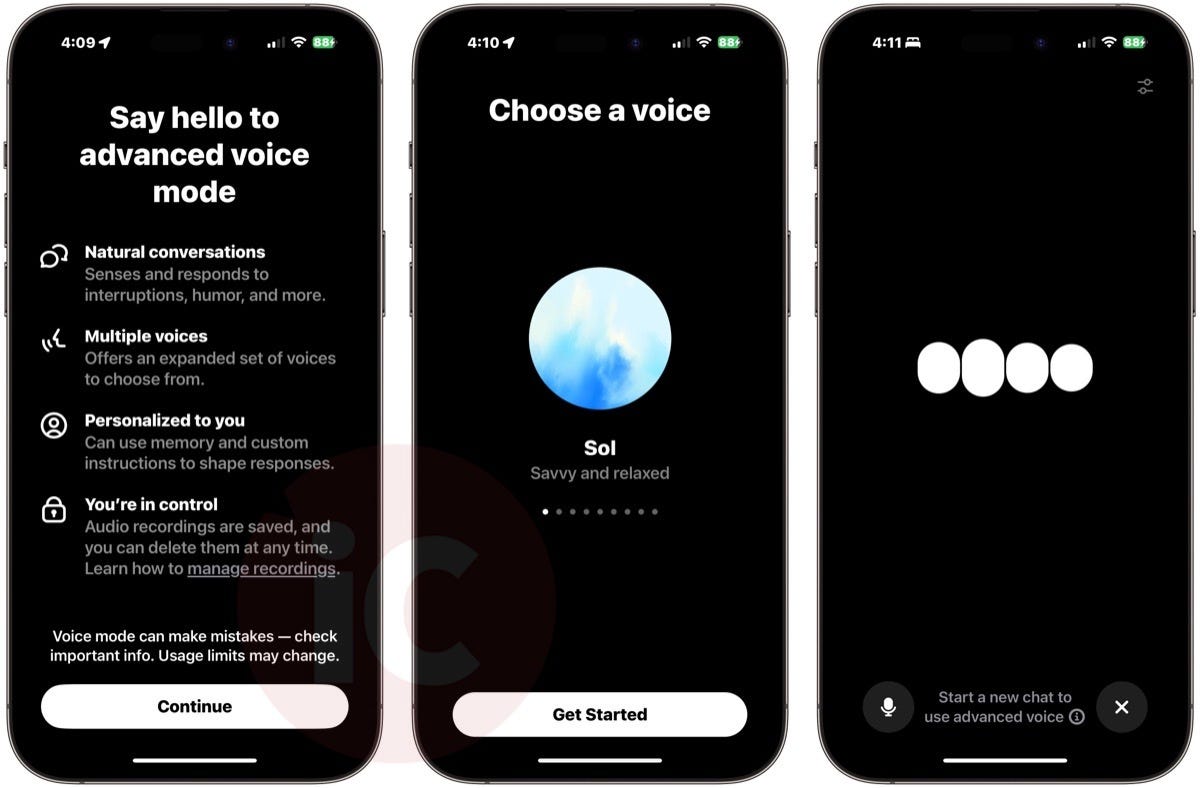

Start Broad, Then Narrow
Begin with a general explanation. Refine as you go.
Example:
“Explain this concept simply.”
“Okay, now go deeper.”
“Give me a concrete example.”
Interrupt Freely
You don’t need to wait. Interrupt when:
- The response goes off track
- You want clarification
- A new idea appears
This is a feature, not a flaw.
Use Voice for Thinking, Not Output
Think of Voice Mode as:
- A whiteboard conversation
- A thinking partner
- A verbal notebook
Do the final writing later in Canvas or text chat.
Voice Mode vs Text Chat vs Canvas
| Task | Best Tool |
|---|---|
| Brainstorming | Voice Mode |
| Learning concepts | Voice Mode |
| Quick answers | Text chat |
| Long-form writing | Canvas |
| Editing | Canvas |
| Data analysis | Text + files |
Each mode exists for a reason. The mistake is using one for everything.
Common Mistakes Users Make
- Expecting Voice Mode to replace typing
- Using it for final writing
- Not interrupting when confused
- Treating it like dictation software
Voice Mode is about flow, not control.
Limitations of ChatGPT Voice Mode
Voice Mode still has limits:
- Less precise than text
- Harder to reference past points
- Not ideal for structured output
- Dependent on environment quality
It’s a thinking tool, not a documentation tool.
How Voice Mode Fits Into Modern ChatGPT Workflows
Power users typically:
- Use Voice Mode for ideation
- Switch to Canvas for drafting
- Use Projects for long-term context
Voice isn’t standalone—it’s part of a system.
For the full workflow, see our pillar guide on how to use ChatGPT in 2026.
FAQs
What is ChatGPT Voice Mode used for?
ChatGPT Voice Mode is used for real-time spoken conversations, idea exploration, learning, and planning through dialogue.
Is ChatGPT Voice Mode free?
Availability depends on your plan and platform. Some voice features may require a paid subscription.
Can I interrupt ChatGPT while using Voice Mode?
Yes. You can interrupt naturally, just like a real conversation.
Is Voice Mode better than typing?
Not always. Voice is better for thinking and exploration, while typing is better for precision and output.
Final Takeaway
ChatGPT Voice Mode isn’t about speed.
It’s about thinking differently.
If you use it for exploration and pair it with Canvas and Projects for execution, Voice Mode becomes one of the most powerful ways to work with AI.
Used incorrectly, it feels pointless. Used correctly, it changes how ideas form.
More ChatGPT Guides for 2026
- ChatGPT New Features March 2026: Every Update Explained
- ChatGPT Canvas in 2026: How I Edit 5,000-Word Articles
- ChatGPT Projects in 2026: How to Save 100+ Prompts
- 7 ChatGPT Features That Save 20+ Hours Every Week
- Stop Using ChatGPT Like This (Do This Instead)
- ChatGPT vs Claude vs Gemini vs Perplexity (2026)